
Elder Servers: Virtualization Continuity
I had planned on bringing up an old R710 to be a data mule, handle some GIS workloads. Plenty memory on that box, so I expected a fast setup and to get underway. However, my typical end of year run of bad luck reared its ugly head!
Proxmox: My Hypervisor of Choice, Originally
Proxmox had proven quite stable, easily managed, for a few years now in my home lab stack. High availability/replicas, containers, and other features made life easy.
Notably, there are some native things that Proxmox does smartly, which I have enjoyed. Initializing everything with ZFS RaidZ, providing the possibility of copy-on-write/compression, and thin-provisioning with decent/ok performance. I'm not drag-racing servers, I'm messing with data sets here..
That stopped with Proxmox Virtual Environment 9.1. An upgrade on older hardware may leave you with a Kernel Panic situation. As with any upgrade, check compatibility. I was intending on a clean slate for this system, so no biggie. It just wouldn't install.
What changed? I didn't leave Proxmox. Proxmox left me. Rather, older servers and CPUs are no longer supported at the kernel level, leaving the Dell R710 - a common mainstay for inexpensive home lab gear - in a state of less support.
For the R710, we now have only a few options:
1. A less secure or older Proxmox major release version, or
2. Go bare metal.
3. Find another platform.
In rides XCP-NG, an old friend. Xen Hypervisor.
On a lark, I decided to check out XCP-NG, a close cousin to Citrix XenServer. The thing about this platform, is while Proxmox chases newer hardware, XCP-NG is more of a mature system that maintains support a bit longer.
I snorted down an ISO, wrote it to a USB key with my favorite image writer (like Rufus or something similar), and got the server going.
https://xcp-ng.org/
Installation was fairly easy, though limited. One key issue is the installer only lets you set up Software RAID 1, LVM, and File based storage. If you select Software RAID 1, and you've selected all 6 disks, you've made a mistake.
Out of the box, there's a default web interface. Point your browser at the IP address, and go. XO-LITE:
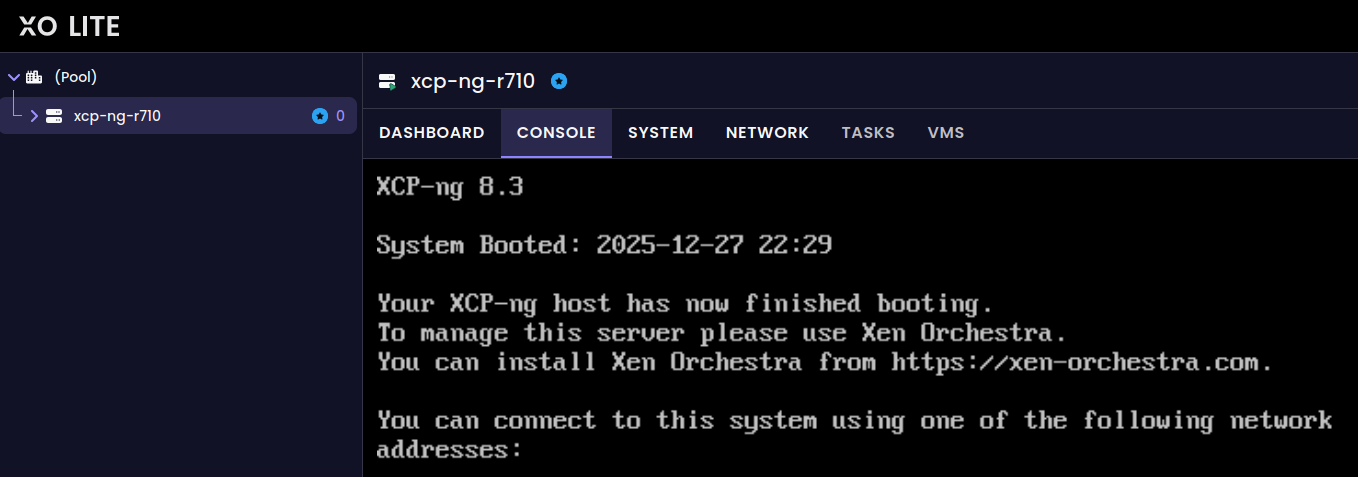
In the upper right corner, there's a "Deploy XOA" button. I wonder what this button does?! It provides a place for you to fill an install template for Xen Orchestra for central management, as a VM.
I thought it was frozen, but it does take a bit to install, apparently. Under 30 minutes. Once you get this message, you're ready to rock.
I'm just so OCD. If there's a switch, I'm flipping it. If there's a button, I'm pushing it.... but this, was a bit problematic!
CRAPPY DOO!
The VM appliance got an IP in the 169. range, which is bad news. What's worse, is if I go to look at the network settings, there's not really a way to update the virtual interface properties. Everything shows "Coming soon!" What is this noise...
It clearly didn't get an IP from DHCP. Let's see if we can correct that.
First, I log into the VM Appliance's console with the xoa user that was created "for ssh". ip a reveals that interface enX0 has an autogenerated IP, not DHCP issued. Ouch. /etc/network/interfaces appears correct enough. This has to be a virtual switch/bridge issue.
As it turns out, it was added to an internal API network by default. Starting over from scratch now.xe vm-destroy uuid=[uuid goes here]
Deploy XOA again, but choose the Pool-wide network associated with {adapter of your choosing} as the network.... and wait again.
Successful? Yep! Got a DHCP IP. (Make sure you go ahead and reserve it for Static DHCP.)
CRAPPY DOO!
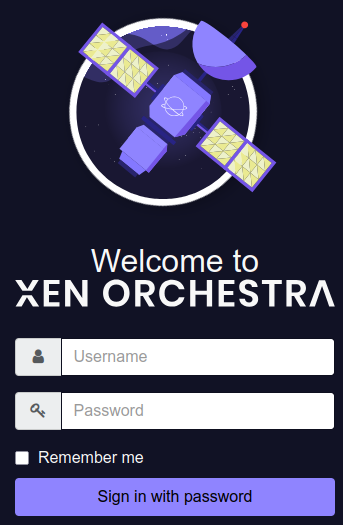
Auth fail? Reeeeeeally. Apparently there's a bug... Sigh. Time to deal with some ssh.
sudo xo-server-recover-account [username]
Ok, let's try this again. FINALLY, success!
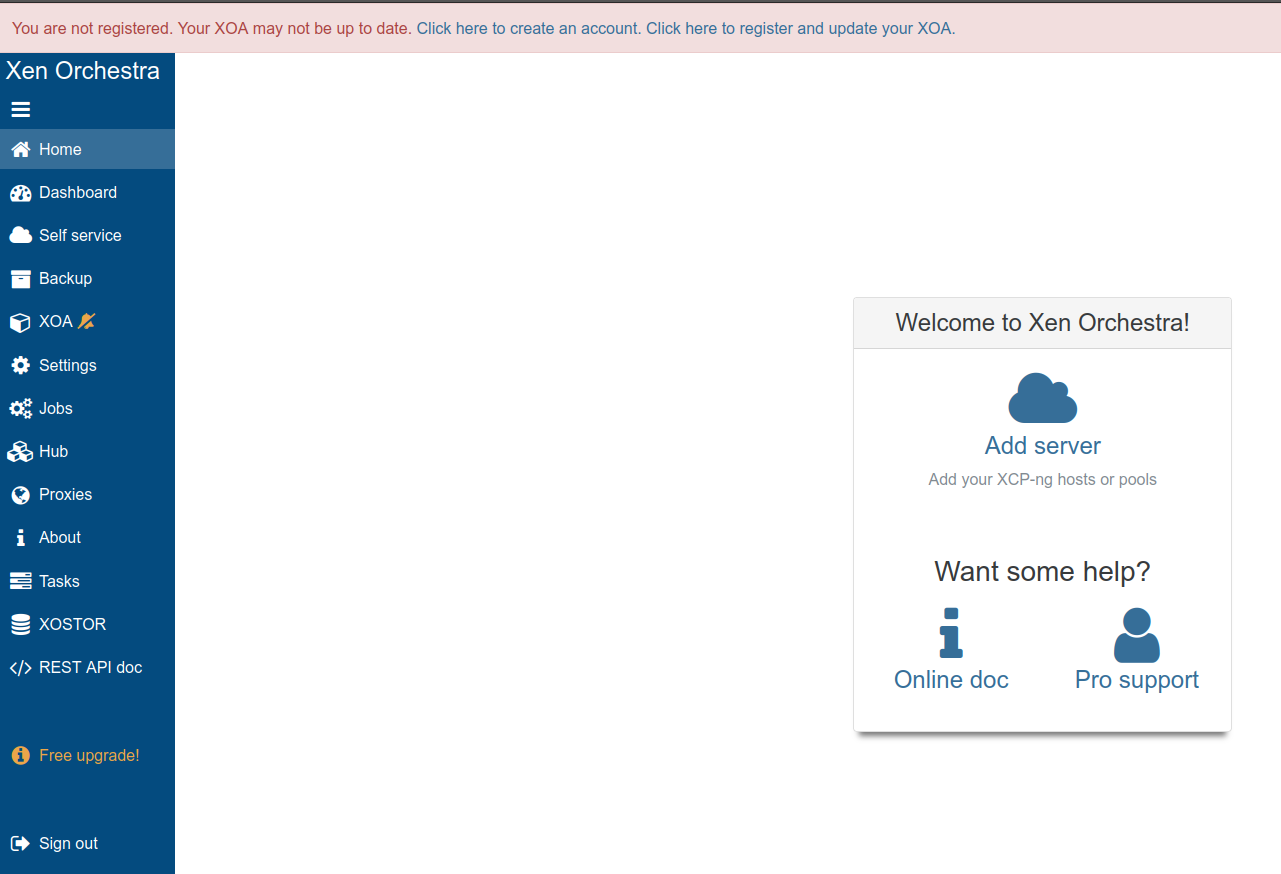
Now to create a Vates account... and validated my email.
CRAPPY DOO!!!!
Truth be told, I'm rightly annoyed now. Trialware? It's impossible to use their store to purchase licenses. You have to speak to a human.
Security patches are pay-walled. Say what?! Oh, no no no honey-child! I'm dumping this hot garbage. XO-Lite is functionally broken, and it directs you to a commercial product.
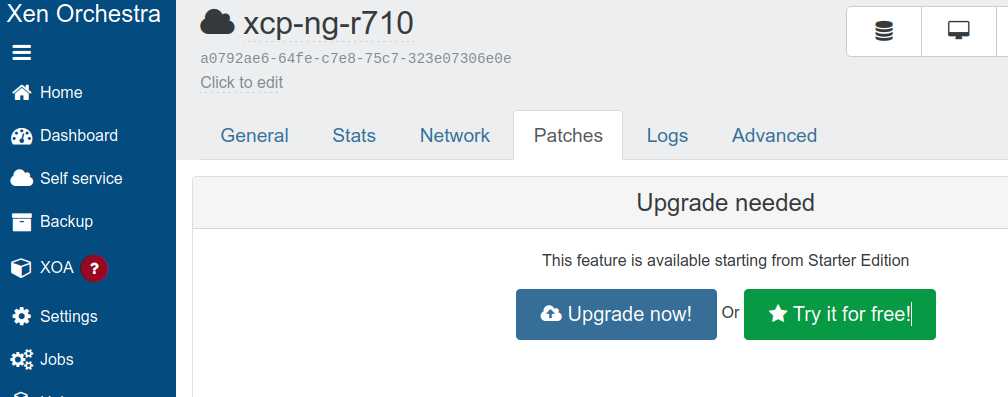
Off to deploying a VM to support Docker.... Got that going, compiled XOA from SOURCE, and that worked.... Except you still can't fetch upgrades. Gaping red flag.
So far, Proxmox is dead-simple. The GUI elements are just...there. By contrast, you have to shake a script together to do any quick deploy of a VM, or use Xen Orchestra.
Conclusion
XCP-NG, for it being hailed as an open source product, really functionally isn't. It's nagware/trialware, the way it looks. I would recommend other avenues for legacy virtualization, like potentially just deployment of vanilla Xen or KVM.